01 Client confidentiality
Contracts and client files
For law firms, auditors, accountants and notaries handling contracts and client files that cannot be pasted into a public AI service.
We install and maintain a private AI server and offer the tools to use it. Prompts, documents and source code are processed in your office and stay on your network. Use the server through a browser, your own applications via the API, or a coding agent in the terminal. Your data is not sent to public AI servers, so using AI is completely safe.
Use AI when working with documents you cannot send to a public service. The model runs in your office, so contracts, client files and business data stay on your own network.
The AI model runs on a server in your office. Your prompts and documents are processed on that server and remain on your internal network.
Nothing you type or upload is sent to a public AI service or any outside AI provider.
Because your prompts and documents never reach an outside AI provider, they cannot train anyone else’s model or appear in answers it gives to other people.
Work with contracts, client files, financial and business data, personal records and source code. They stay inside your office network. Your intellectual property stays with you.
An AI environment on your office network, with browser access for people and an API for coding agents and internal applications. We install the server and set it up for use.

A server installed in your office, with the hardware chosen for your needs. Prompts and documents are processed on your network.
Open a chat window in your browser on the internal network. Each person signs in with an individual user account.
Connect a coding agent on your laptop through the API. Your own applications and internal systems can use the same API.
We harden the system, install the model server and configure user accounts, configuration backups and monitoring. We show users how to work with it.
No per-request or per-token charges and no usage caps: use it as much as you need.
People, developers and internal systems use the same AI server on your office network. Choose the browser for conversation, a terminal coding agent for development, or the API for your own applications.
Sign in through your browser on the internal network. Enter prompts and work with documents in the chat window, using your individual account.
Developers work from the terminal on their own laptops. A coding agent such as Claude Code or OpenCode connects to the server through its API, so source code stays on your network.
Your applications and internal systems send prompts to the server and use its answers through the included API.
All these connections run on your local network, so the data stays in the office.
For work where confidentiality rules forbid public AI services. Analyse client documents, personal records and source code while keeping them inside your office network.
For law firms, auditors, accountants and notaries handling contracts and client files that cannot be pasted into a public AI service.
For healthcare, finance, insurance and HR work involving personal records governed by GDPR or sector rules.
For small development teams whose source code must stay in-house, running a coding agent against a local model instead of a cloud one.
Rent the server with the service included, or buy the hardware and add the managed service. The ownership, return and repair arrangements differ.

No hardware to buy up front. Test the model on the work you actually need to do.
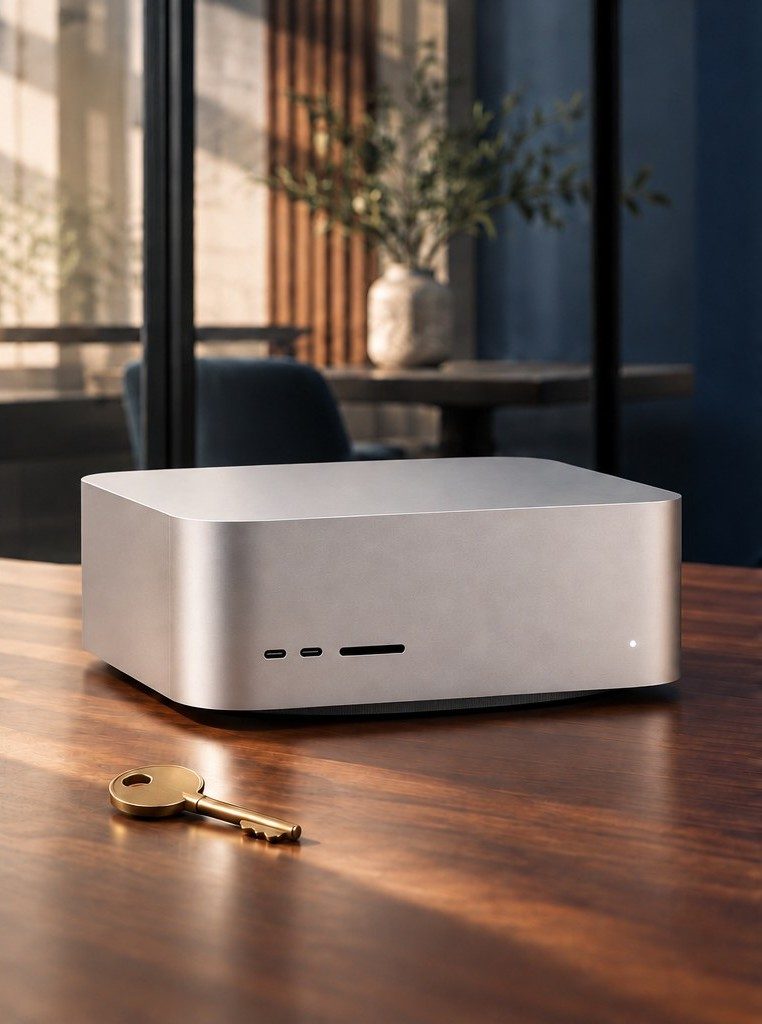
For organizations that want to own the equipment. Buy the server and choose whether to add the managed service.
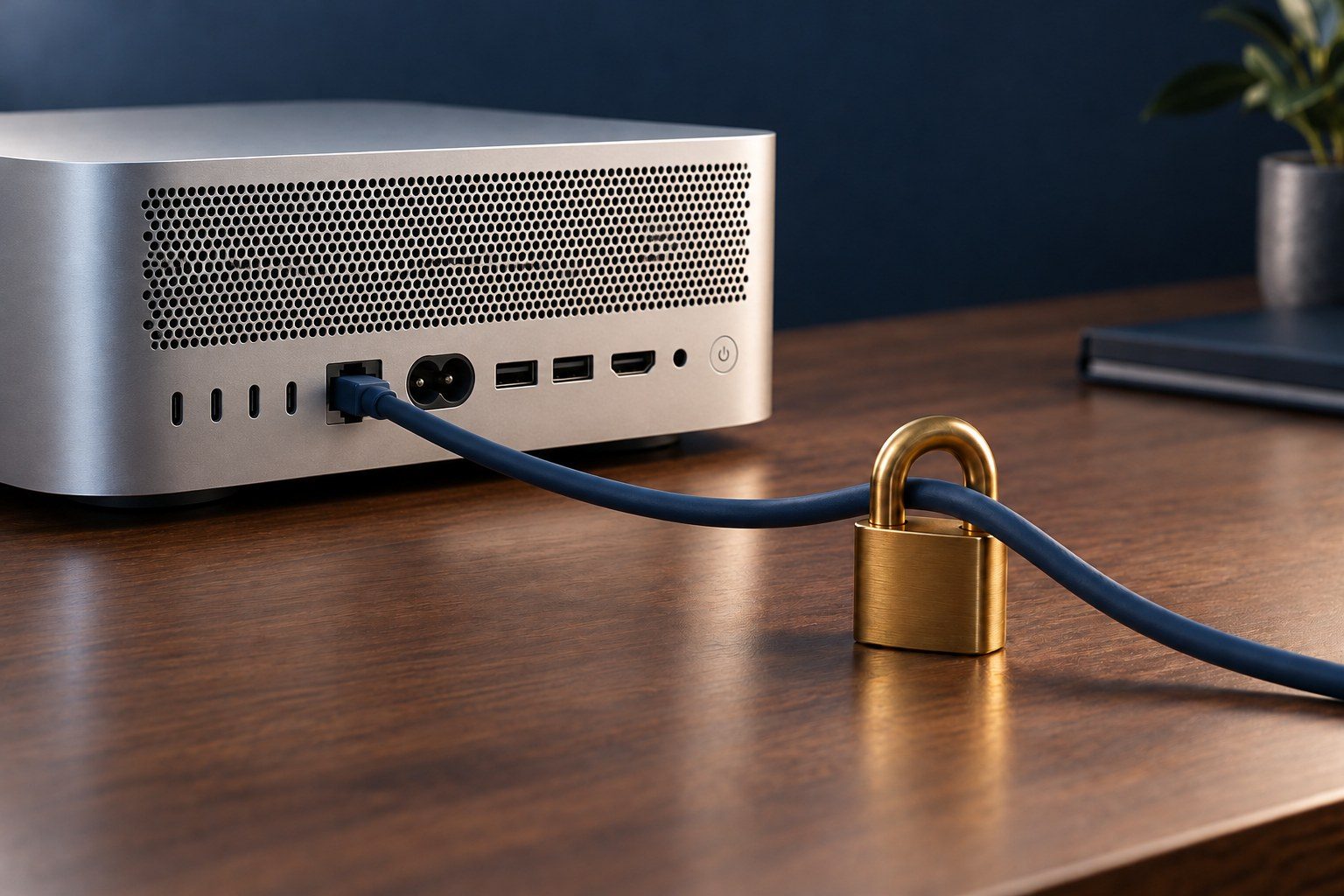
We monitor the server and update the system and model server.
We answer users’ questions about working with the server.
Every quarter, we check whether a newer model performs better on your tasks. We install it once you agree.
We respond to requests within one working day.
We train users to work with AI: how to phrase requests and what it is worth using for.
Your documents stay in your office. Tell us which tasks you need AI for and how many people will use it at once. We’ll send the offer by email.
Or email us directly: dba@dbaservice.lt